
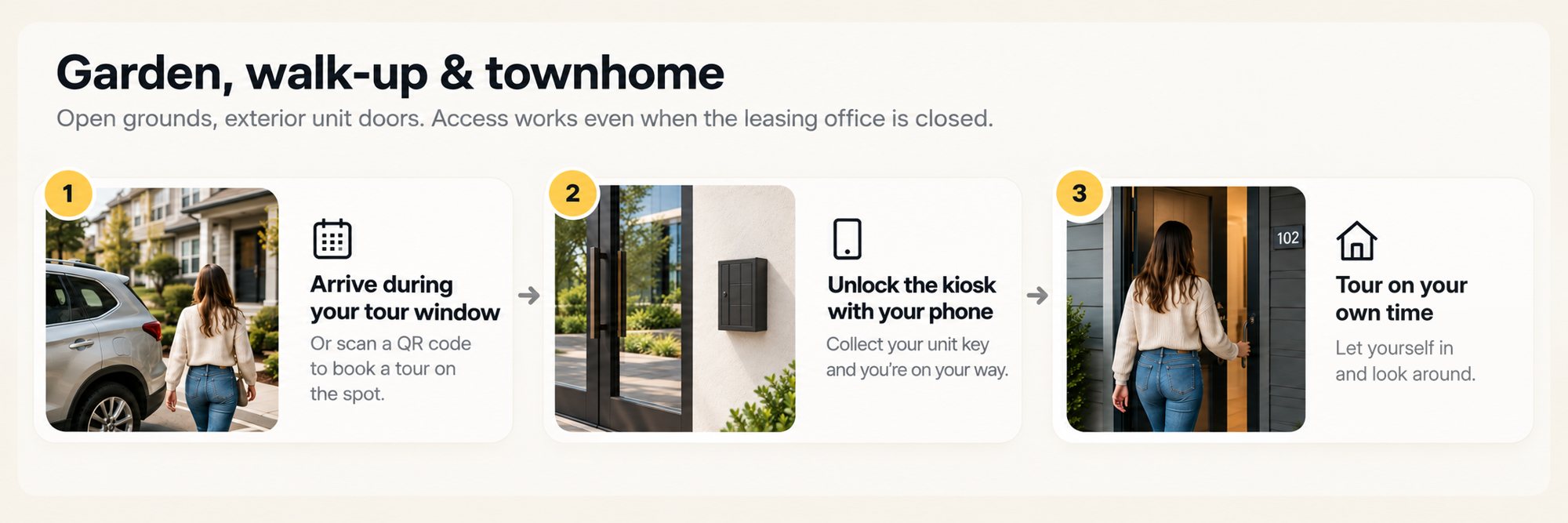
Garden, walk-up & townhome
Open grounds, exterior unit doors. Access works even when the leasing office is closed.
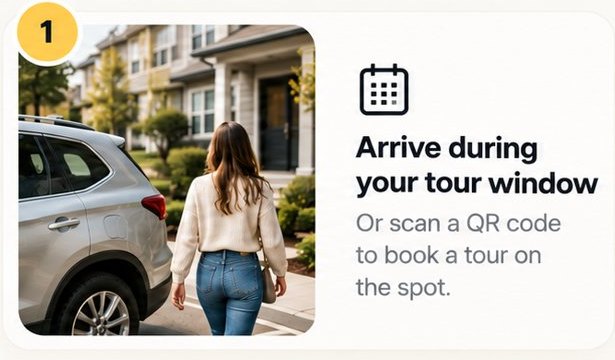
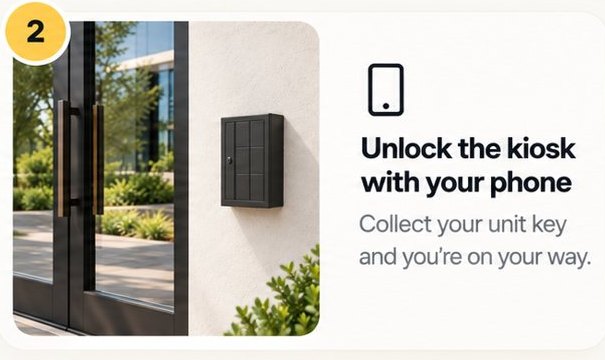
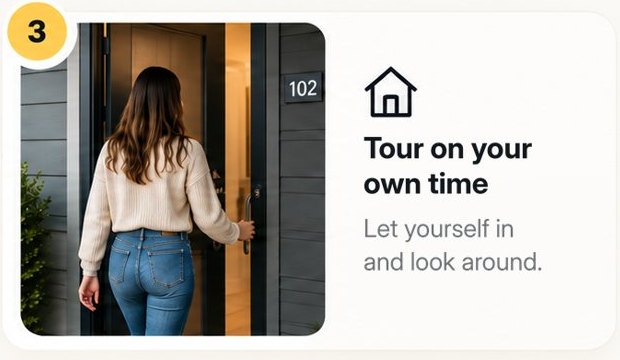
Every property has a different route from the curb to the unit. Here is where Pineapple sits on each one, and which doors it opens along the way.
Open grounds, exterior unit doors. Access works even when the leasing office is closed.
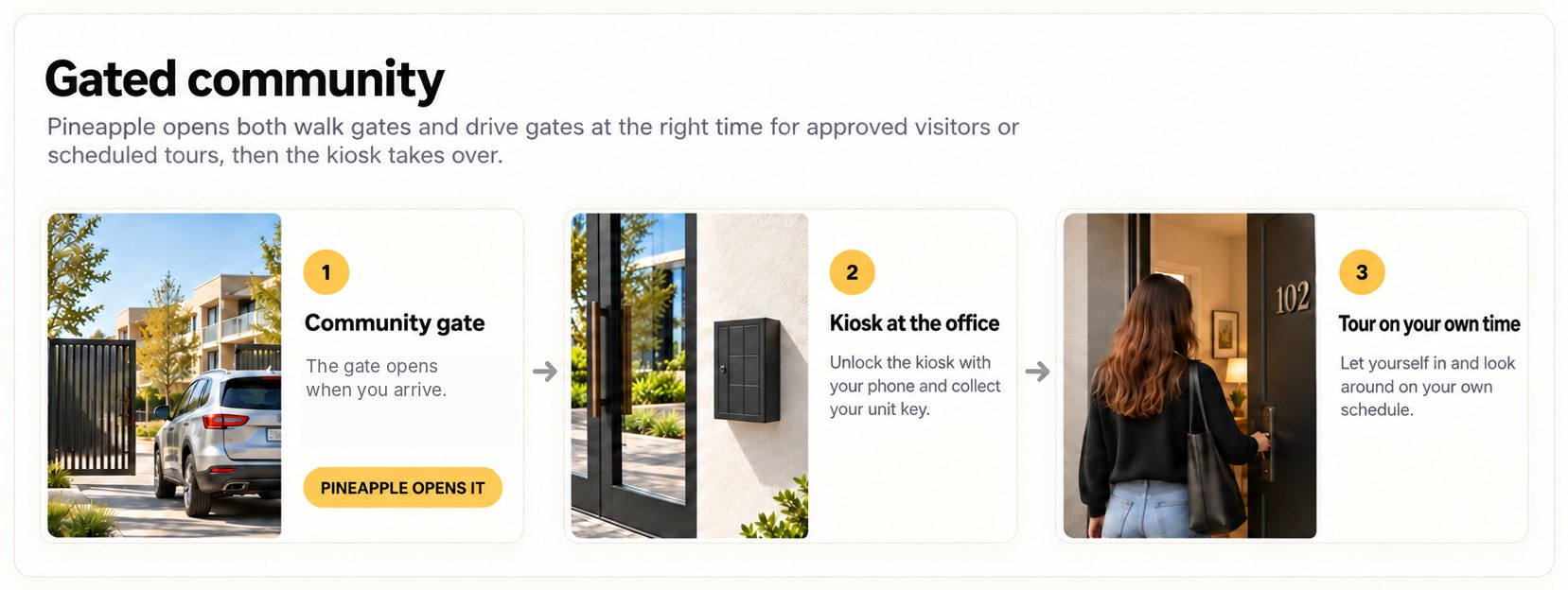
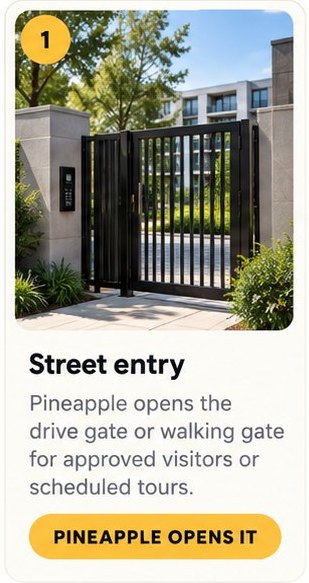
Pineapple opens both walk gates and drive gates at the right time for approved visitors or scheduled tours, then the kiosk takes over.
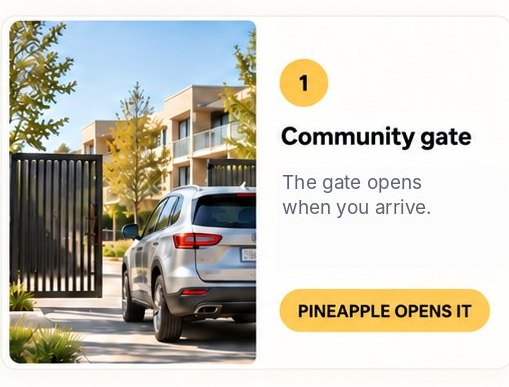
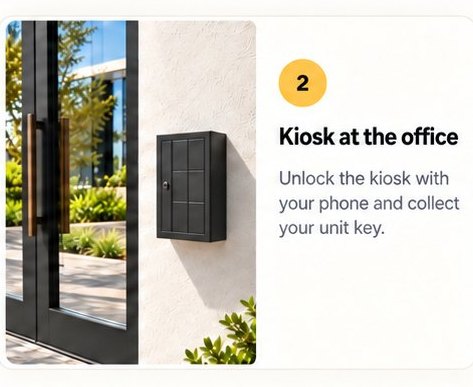
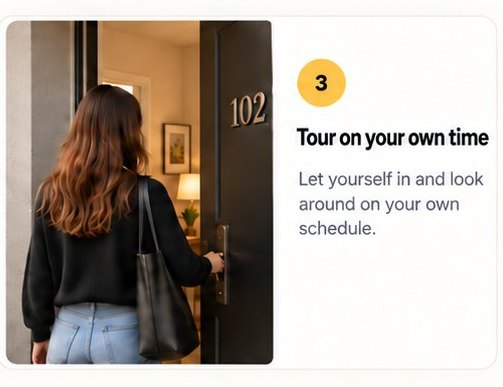
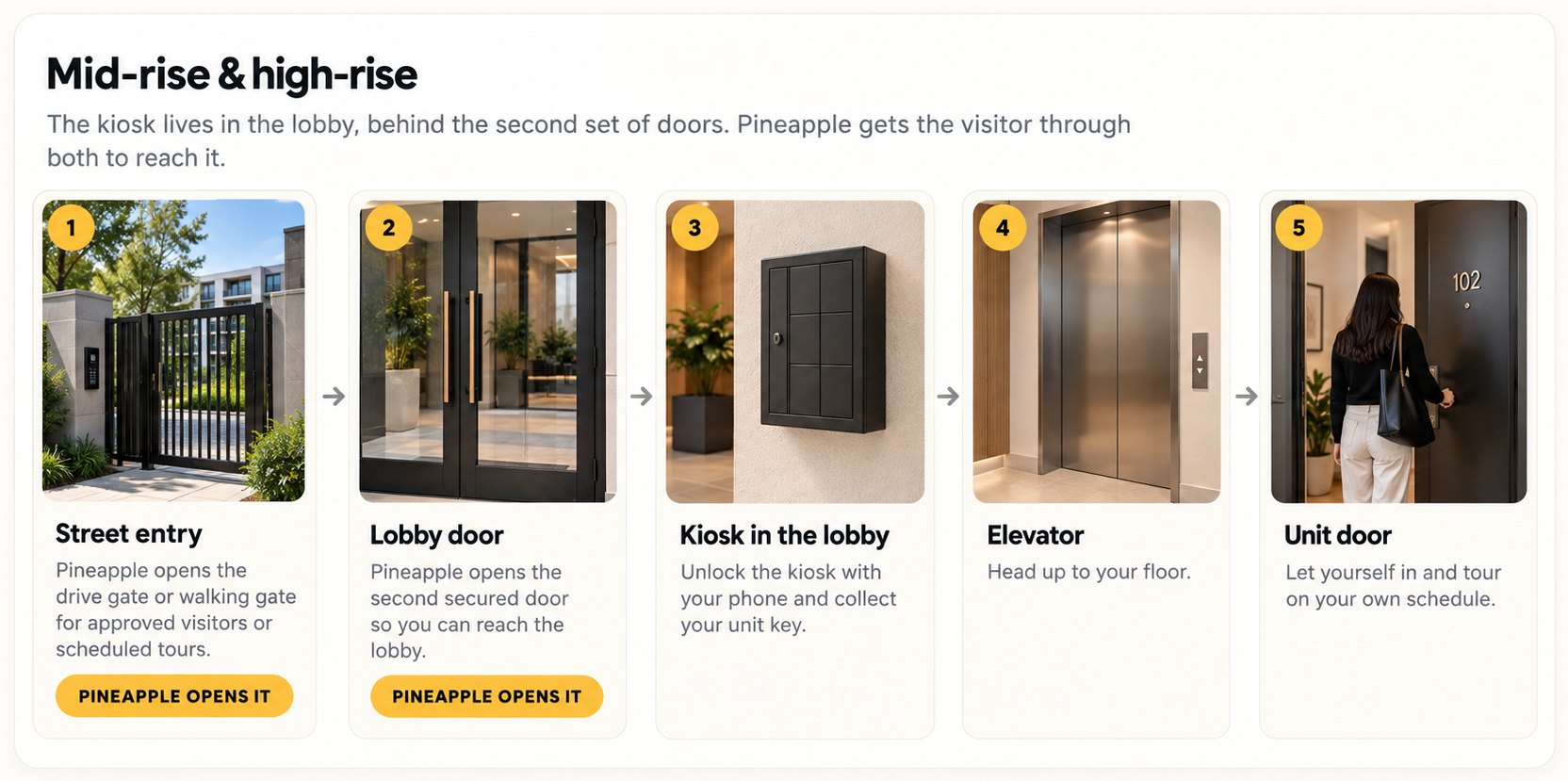
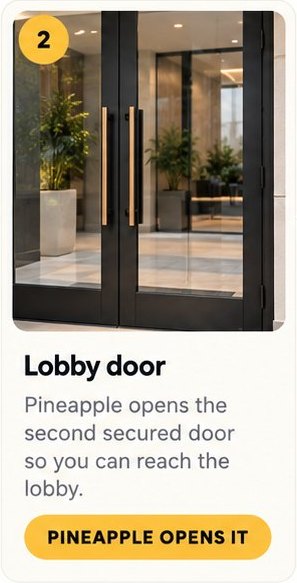
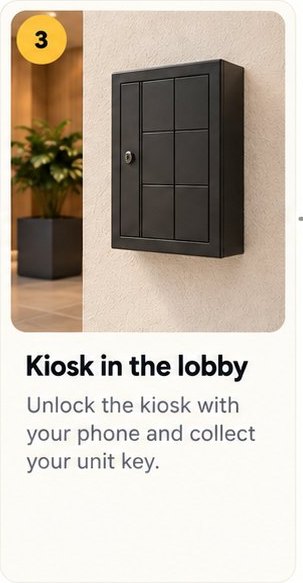
The kiosk lives in the lobby, behind the second set of doors. Pineapple gets the visitor through both to reach it.
Every property presents a different access problem. Pineapple was built from the ground up to solve them—our hardware, our software, our IP. Not a white-labeled access product.
Before install, we walk the route a visitor takes at your property: every gate, entry and unit door between the curb and the tour. Then we place the kiosk where it does the most work.
Walk through your property →Start with Self-Guided Turns. Add Self-Guided Tours or Self-Guided Leasing when the job calls for it.